Download Center

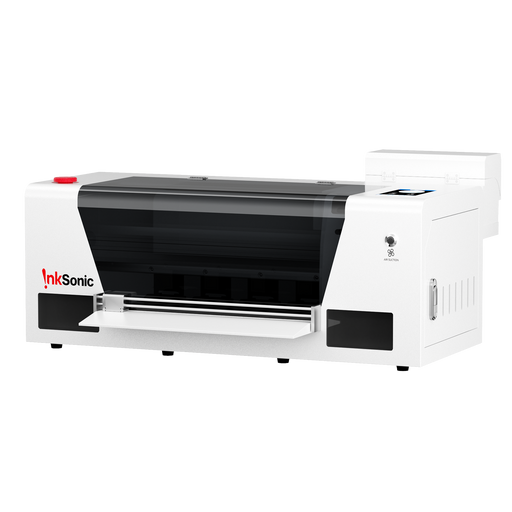
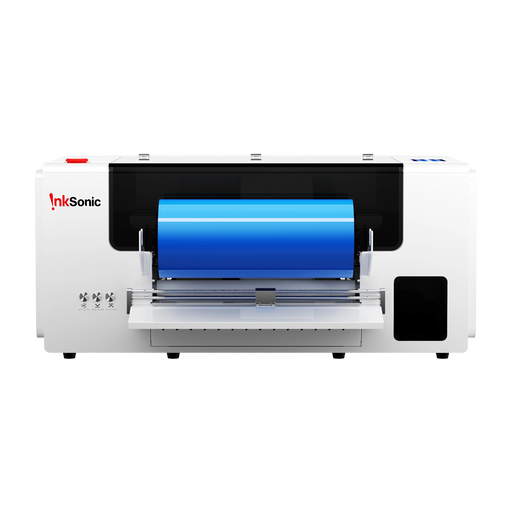
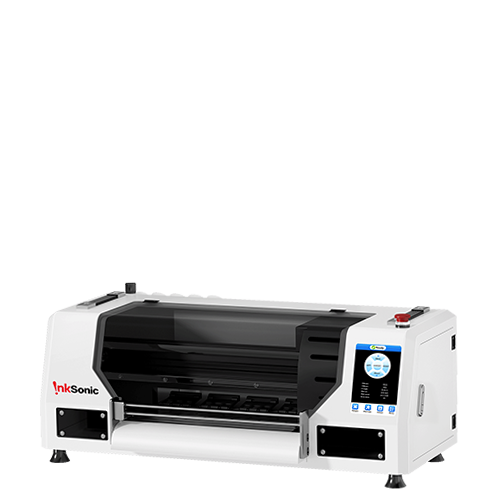
A4 XP600 L8 For Beginner Video DTF Printer: Step-by-Step Tutorial - From installation to printing
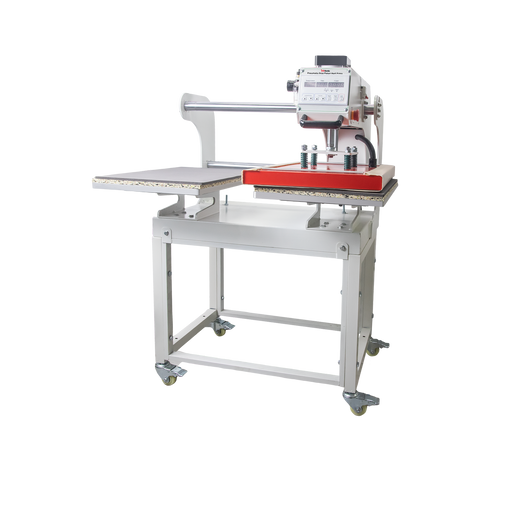
Heat Press: Step by Step Tutorial
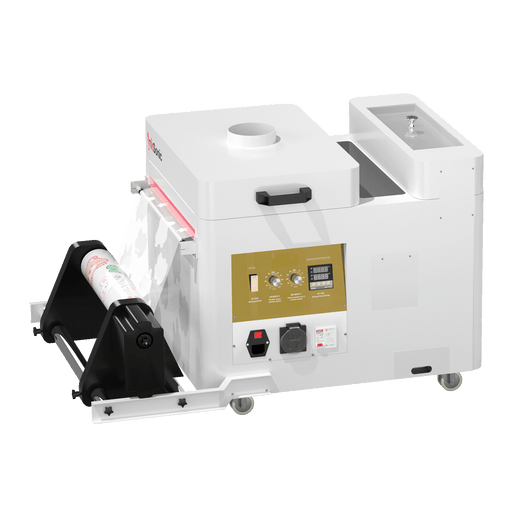
DTF Oven: Step by Step Tutorial
PDF User Manual
Nozzle Check Guide
Software Settings Guide
Maintenance Video Maintenance Tutorial: Moisturizing Device Usage
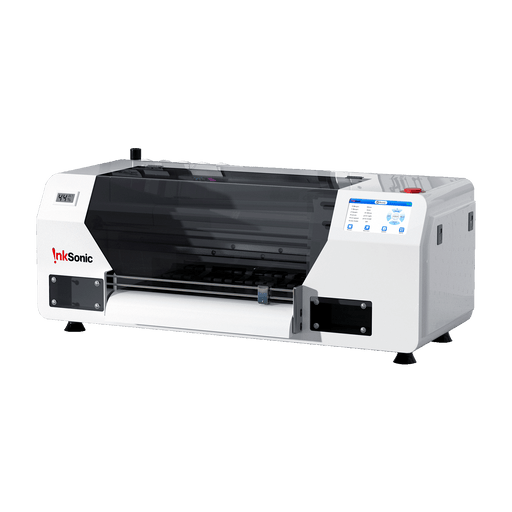
A3 R1390/L1800 C13/E13 For Beginner Video DTF Printer: Step-by-Step Tutorial - From installation to printing
Heat Press: Step by Step Tutorial
DTF Oven: Step by Step Tutorial
PDF User Manual
Maintenance
Software Settings Guide
Maintenance Video Extract white ink from damper Tutorial
Replace the Printhead on R1390/L1800 Tutorial
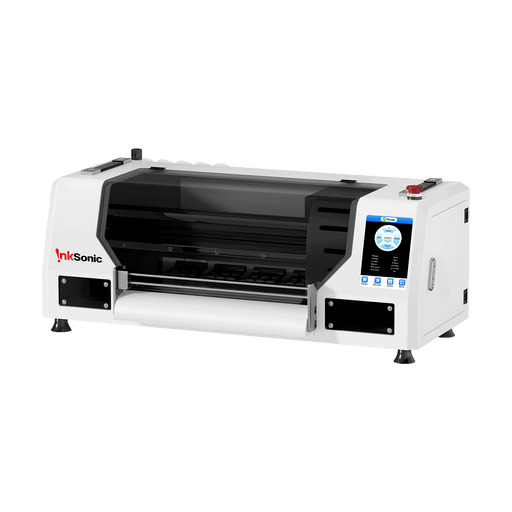
A3 R1390 C13A For Beginner Video DTF Printer: Step-by-Step Tutorial - From installation to printing
Heat Press: Step by Step Tutorial
DTF Oven: Step by Step Tutorial
PDF User Manual
Maintenance
Maintenance Video Extract white ink from damper Tutorial
Replace the Printhead on R1390/L1800 Tutorial
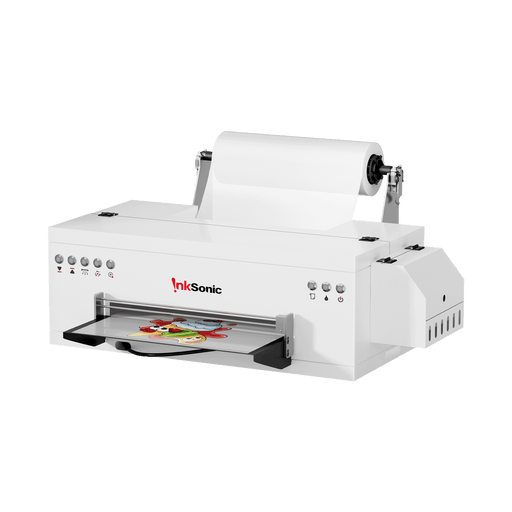
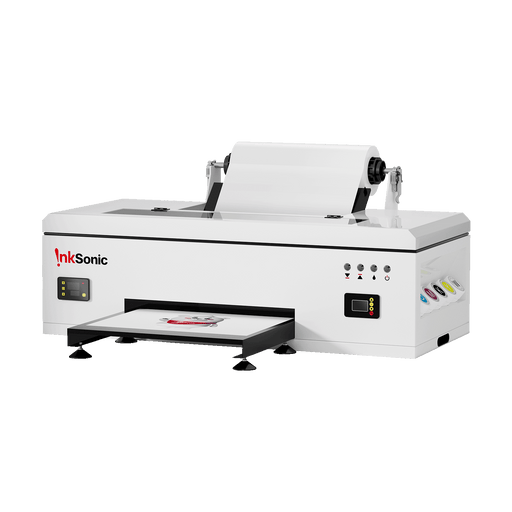
A3 L1800 E13A For Beginner Video DTF Printer: Step-by-Step Tutorial - From installation to printing
Heat Press: Step by Step Tutorial
DTF Oven: Step by Step Tutorial
PDF User Manual
Maintenance
Maintenance Video Extract white ink from damper Tutorial
Replace the Printhead on R1390/L1800 Tutorial
A3 XP600 U13 For Beginner Video DTF Printer: Step-by-Step Tutorial - From installation to printing
Heat Press: Step by Step Tutorial
DTF Oven: Step by Step Tutorial
PDF User Manual
Maintenance
Maintenance Video Replace the Printhead on XP600 Tutorial
A3 Dual-XP600 U13D For Beginner Video DTF Printer: Step-by-Step Tutorial - From installation to printing
Part1: Printer Setup
Part2: Software
Part3: Calibration Tutorial
Heat Press: Step by Step Tutorial
DTF Oven: Step by Step Tutorial
PDF User Manual
Maintenance
Maintenance Video Replace the Printhead on XP600 Tutorial
A3 F1080 H13 For Beginner Video DTF Printer: Step-by-Step Tutorial - From installation to printing
Part1: Ink Path Installation
Part2: Installation of Frame and Film
Part3: Software Installation and Testing
Part4: RlP and Print
Part5: Introduction Touch Screen
Heat Press: Step by Step Tutorial
DTF Oven: Step by Step Tutorial
PDF User Manual
UV DTF - VF13 For Beginner Video UV DTF Printer: Step-by-Step Tutorial - From installation to printing
Part1: Ink Path Installation
Part2: Installation of Frame and Film
Part3: Software Installation and Testing
Part4: RlP and Print
Part5: Introduction Touch Screen
PDF User Manual
Powder Shaker For Beginner PDF User Manual
Dual Platen Heat Press with Infrared Positioning System For Beginner PDF User Manual
Dual Platen Heat Press For Beginner Video Step-by-Step Tutorial
PDF User Manual

Welcome to Your InkSonic Printer Setup & Support Hub

After purchasing your InkSonic printer, getting started is simple with our step-by-step learning resources. If you purchase our DTF printer, you will receive DTF RIP software for free. Regardless of the printer model you have, you can access and watch distinct video tutorials, user manuals, and maintenance manuals to lead you through every step of your printing process.

For newbies, our setup-to-printing videos offer a straightforward introduction to establishing your printer, linking the software, and making your first prints. Complementary tutorials cover essential tools like the heat press and DTF oven, so you’ll understand the complete printing process.

To help you keep your printer in top condition, we offer dedicated maintenance resources—including videos on using the moisturizing device, extracting white ink from the damper, and replacing the printhead. Our nozzle check guide, software settings guide, and downloadable PDF user manuals make troubleshooting and fine-tuning straightforward.

With InkSonic’s guided resources, you don’t just purchase a printer—you gain access to a full learning path that ensures smooth setup, quality printing, and long-lasting performance.